 LaunchManager
Browse all scopes
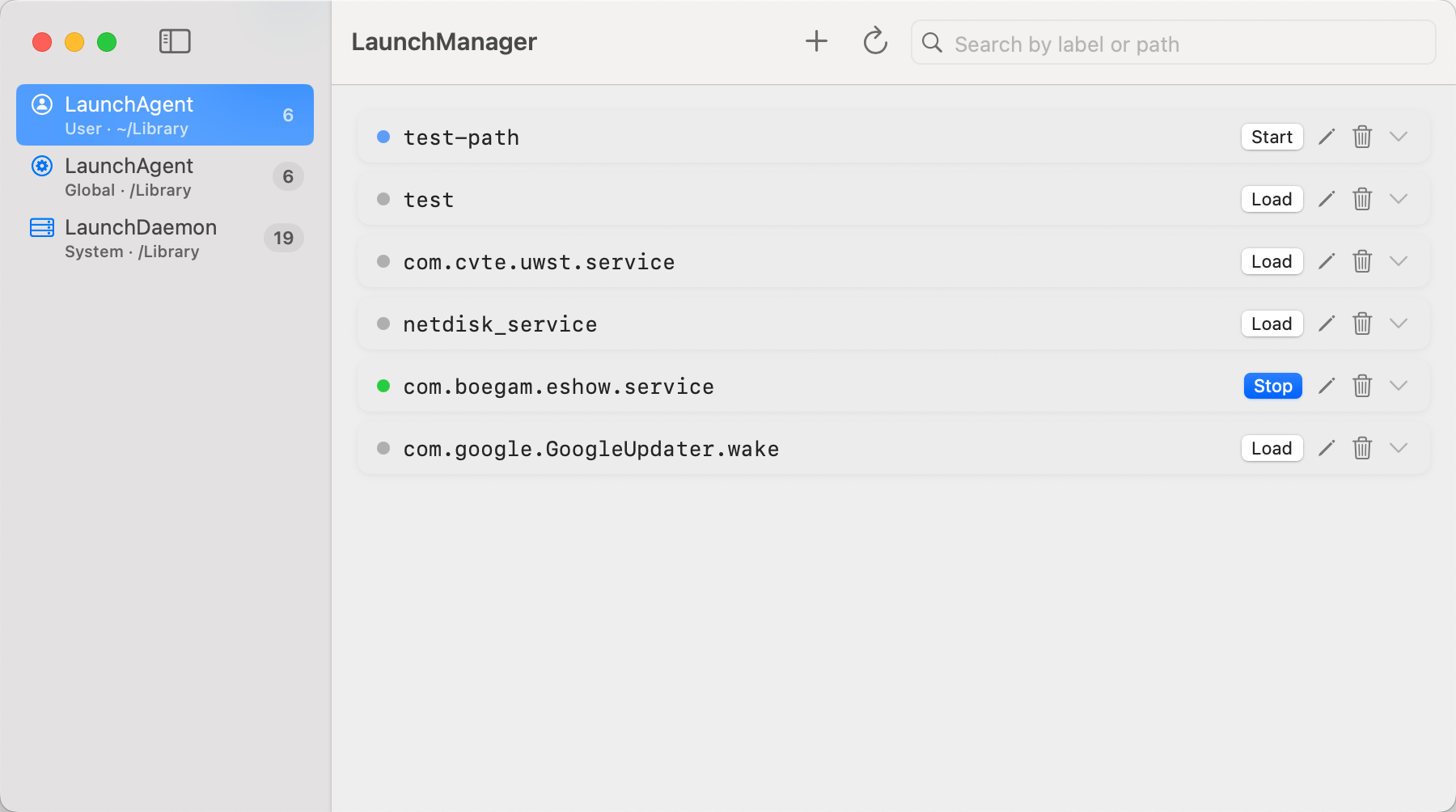
User Agents, System Agents, and System Daemons in one sidebar — see everything launchd knows about.
A native macOS app for LaunchAgents and LaunchDaemons — browse, create, edit, and control scheduled tasks from a clean SwiftUI interface.
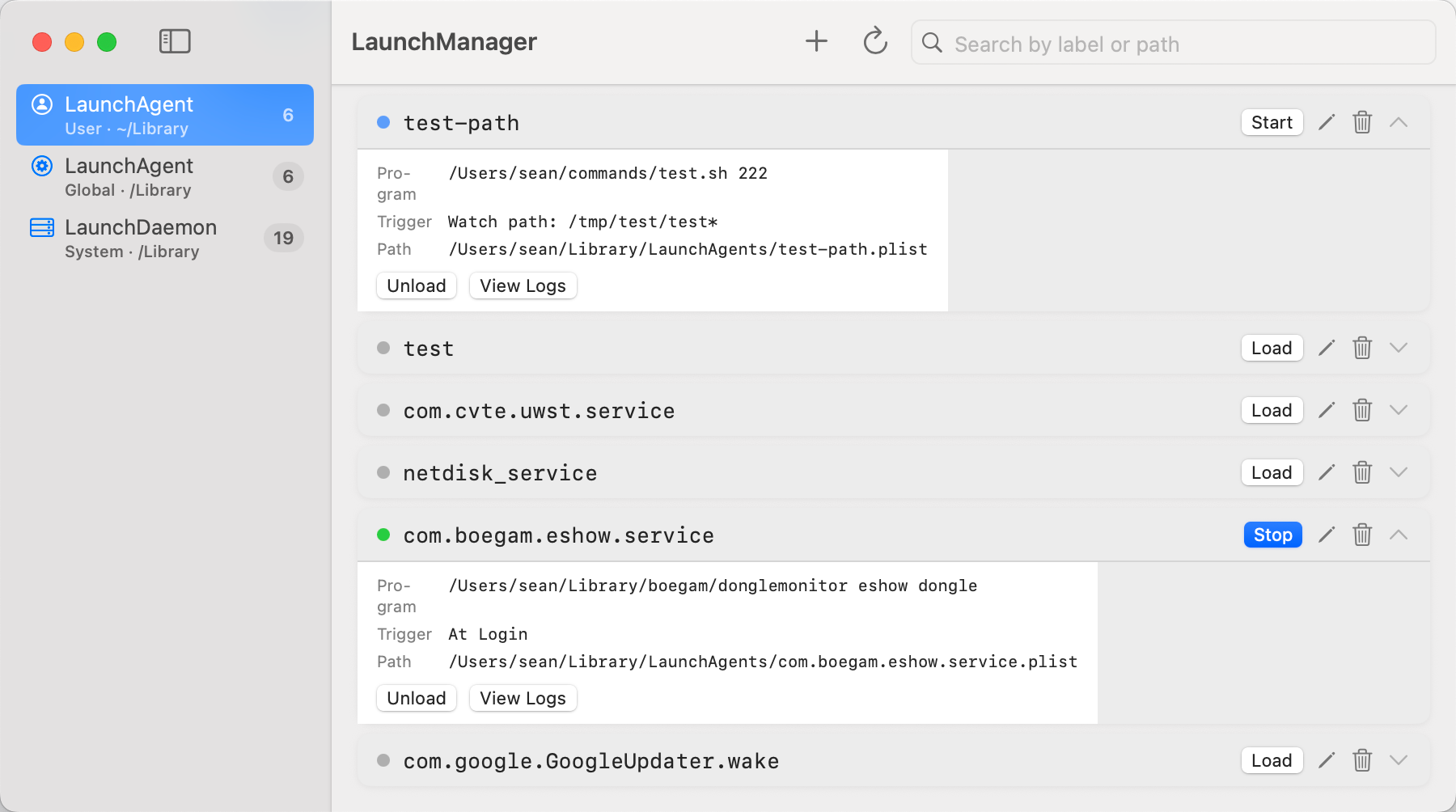
Free, native, and built for everyday macOS power users — no subscription, no background daemon required.
User Agents, System Agents, and System Daemons in one sidebar — see everything launchd knows about.
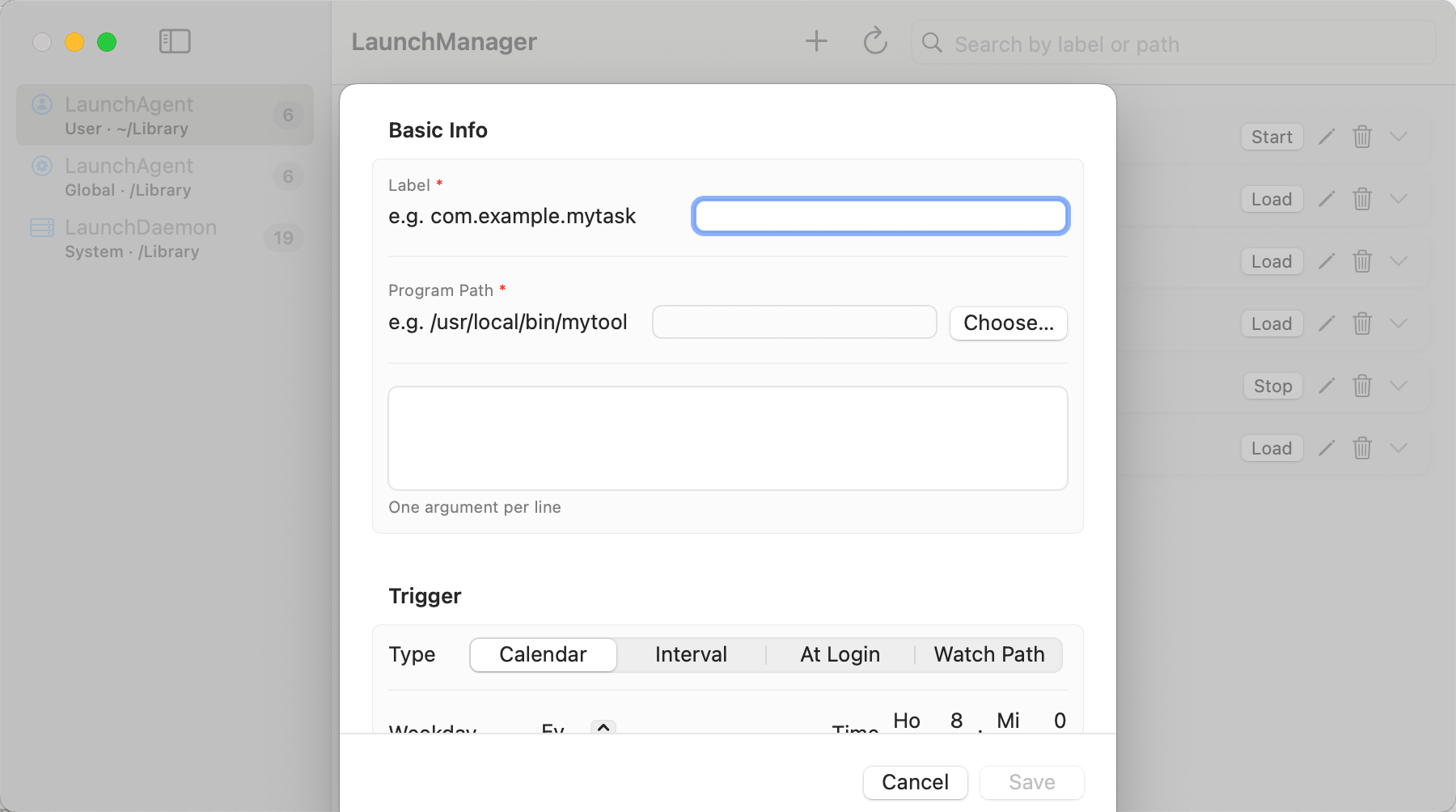
Form-based plist editing. No manual XML unless you want to dive into the terminal yourself.
Control jobs with row actions. Privilege escalation prompts when system-level operations need admin.
File-based stdout/stderr logs plus system log via log show — debug without leaving the app.
Empty or malformed plists surface inline with a one-click delete — something paid tools often skip.
MIT licensed. Inspect the Swift code, contribute on GitHub, or build from source with Xcode 16.
A focused UI for the jobs that keep your Mac running.
Pick the install path that fits you. Requires macOS 14 Sonoma or later.
Fast updates via tap. Best for developers already on Homebrew.
brew tap Sean10000/tap
brew install --cask launchmanagerGrab the latest release, drag to Applications. Right-click → Open on first launch (not notarized).
Download DMGClone the repo and open in Xcode 16. Build and run with ⌘R.
git clone https://github.com/Sean10000/LaunchManager.git
cd LaunchManager
open LaunchManager.xcodeprojFour steps to take control of your launchd jobs.
LaunchManager is ideal if you want a free, native, open-source tool for everyday launchd management.
| Feature | LaunchManager | LaunchControl | Lingon Pro 10 | LaunchD Task Scheduler |
|---|---|---|---|---|
| Price | Free & OSS | ~$33 | $23.99 | $5.00 |
| Browse agents & daemons | ✓ | ✓ | ✓ | ✓ |
| Create & edit (GUI) | ✓ | ✓ | ✓ | ✓ |
| Log viewer | File + system log | Advanced | ✓ | ✓ |
| Invalid plist detection | ✓ inline + delete | ✗ | ✗ | ✗ |
| App must stay running | Not required | Not required | Required | Not required |
| AI assistant | ✗ | 7 LLM providers | ✗ | ✗ |
| Open source | MIT | ✗ | ✗ | ✗ |
Power users needing an AI assistant or expert XML editor may prefer LaunchControl.
If LaunchManager saved you some time, feel free to buy me a coffee. Americano is better. ☕